Compress Image Online
Reduce image file size by up to 80% without visible quality loss. JPG, PNG and WEBP, compressed in your browser.
Your file
Drag & drop an image, or click to browseTap to choose an image
JPG, PNG or WEBP
0 selected
Need several edits in one place? Open the Photo Editor to crop, adjust colors and add text before exporting.
Why use this tool
No file size limit
Full-size photos and long documents, straight from your device.
Nothing is uploaded
Processed entirely in your browser. Your files never leave your device.
No signup needed
Open the tool and go. No account, no email.
Images are usually the heaviest part of a web page and the most common reason an upload gets rejected. This free image compressor re-encodes your photo at the quality you choose, so a 4 MB JPG straight off a phone camera can come back under 500 KB and still look the same at normal viewing size.
Everything runs in your browser. Your image is never uploaded to a server, there is no file size limit beyond what your device can hold in memory, and the file you download carries no watermark and needs no account.
How to compress an image
Add your image
Drag a JPG, PNG or WEBP file into the box above, or click to browse. Photos, screenshots and graphics all work.
Choose a quality level
Drag the quality slider to set how hard the compressor works. 80% is a good starting point: high enough to keep detail, low enough to remove most of the file size.
Download the result
Press Compress Image. The result appears with its new file size and the percentage saved, ready to download — or try another quality setting first.
How much can you compress an image without losing quality?
JPG and WEBP use lossy compression: they discard detail the eye is least likely to notice, and the quality setting decides how much. Between 75% and 90%, most photographs are indistinguishable from the original at normal viewing size while the file is often 50–70% smaller.
Below about 50% you start to see the trade-off — soft edges, blocky patches in skies and flat areas, and halos around high-contrast lines. Above 90% the savings shrink quickly while the file grows, so there is little reason to go there unless the image is headed for print or further editing.
Photographs compress far better than flat graphics. A screenshot, a logo or a chart has large areas of identical color and hard edges, which lossy compression handles poorly. Those are usually better served by resizing than by a lower quality setting.
What happens to each format
A JPG is re-encoded as a JPG at your chosen quality, a WEBP stays WEBP, and a PNG stays PNG. A browser's PNG encoder ignores quality, so a PNG is compressed the way dedicated PNG optimizers do it: its colors are reduced to an optimized palette of up to 256 and a new, smaller PNG is written, with its transparency kept. The slider sets how many colors survive.
Re-encoding also drops EXIF metadata: camera model, lens, timestamps and any GPS coordinates the photo was carrying. That shaves a little more off the file, and it means a compressed image no longer tells anyone where it was taken.
Compressing in the browser instead of uploading
Most online compressors upload your file, process it on their server and hand back a download link. Your photo sits on someone else's machine, there is a queue at busy times, and free tiers tend to cap file size or stamp the result with a watermark.
This tool uses the Canvas API built into your browser, so the image never leaves your device. It is faster than a round trip on most connections, it works on the biggest files your phone or camera produces, and private photos stay private. For a specific destination, start from a preset: WhatsApp, online forms, government portals, eBay listings or Amazon products.
Which quality setting to use
A rough guide. The result card always shows the exact size before you download, so it is worth trying two settings.
| Quality | Typical saving | Best for |
|---|---|---|
| 90–100% | 10–30% | Print, portfolios, images you will edit again |
| 75–90% | 40–70% | Web pages, blog posts and product photos — the usual choice |
| 50–75% | 70–85% | Email attachments, chat, forum and social uploads |
| Under 50% | 85% and up | Thumbnails and previews where artefacts don't matter |
When you need a smaller image file
Making a website faster
Images are usually the largest thing a page downloads. Compressing them improves Largest Contentful Paint, the Core Web Vital Google measures loading speed with.
Getting under an upload limit
Job applications, visa portals, school systems and government forms routinely cap uploads at 1 MB or 2 MB. A phone photo is several times that.
Sending photos by email
Most providers reject messages over 20–25 MB. Compressed photos fit in one message instead of three.
Saving storage and bandwidth
Batches of screenshots, receipts and scans take a fraction of the space once re-encoded — on your drive and in your backups.
Frequently asked questions
- Does compressing an image reduce its quality?
- Technically yes — JPG and WEBP are lossy formats, so some detail is discarded. In practice, at 80% quality the difference is invisible at normal viewing size on almost any photograph. Pixel dimensions are untouched: a 4000 × 3000 image stays 4000 × 3000, only the file gets lighter.
- Can I compress an image to a specific size, like 100 KB?
- Yes. Choose Target file size, type the size — or tap 100 KB, 200 KB, 500 KB, 1 MB or 2 MB — and press compress. The tool finds the highest quality that fits under it and, only if quality alone cannot get there, scales the image down as little as needed. The result card says what it did.
- Is online image compression free without signup?
- Yes. You can compress JPG, PNG and WebP images for free without creating an account. Choose quality mode or a target file size, review the result and download the smaller copy.
- Are my images uploaded to a server?
- No. Compression happens inside your browser tab using the Canvas API. Nothing is sent anywhere, there is no queue, and the tool keeps working if you lose your connection after the page has loaded.
- Is there a limit on how large an image I can compress?
- No limit is imposed by the tool. The practical ceiling is your device's memory, and images up to 16,384 pixels on a side are supported.
- Can I compress a PNG?
- Yes, and it stays a PNG. The tool reduces the image to an optimized palette of up to 256 colors and writes a smaller PNG, keeping transparency — screenshots and graphics typically shrink by 50–80%. For a photo without transparency, PNG to JPG is often smaller still.
- Does it add a watermark?
- No. Nothing is drawn onto the image and no account is required. What you download is your image at a smaller file size.
- Will compressing remove EXIF data like GPS location?
- Yes. Re-encoding produces a fresh file with no metadata, so camera details, timestamps and GPS coordinates are gone. That is usually a benefit before posting a photo publicly.
- Can I compress HEIC photos from an iPhone?
- The compressor takes JPG, PNG and WEBP. For a HEIC photo, run it through the HEIC to JPG converter first, then compress the JPG here. HEIC is already an efficient format, so the conversion itself usually makes the file bigger — compressing afterwards brings it back down.
From the blog
All articles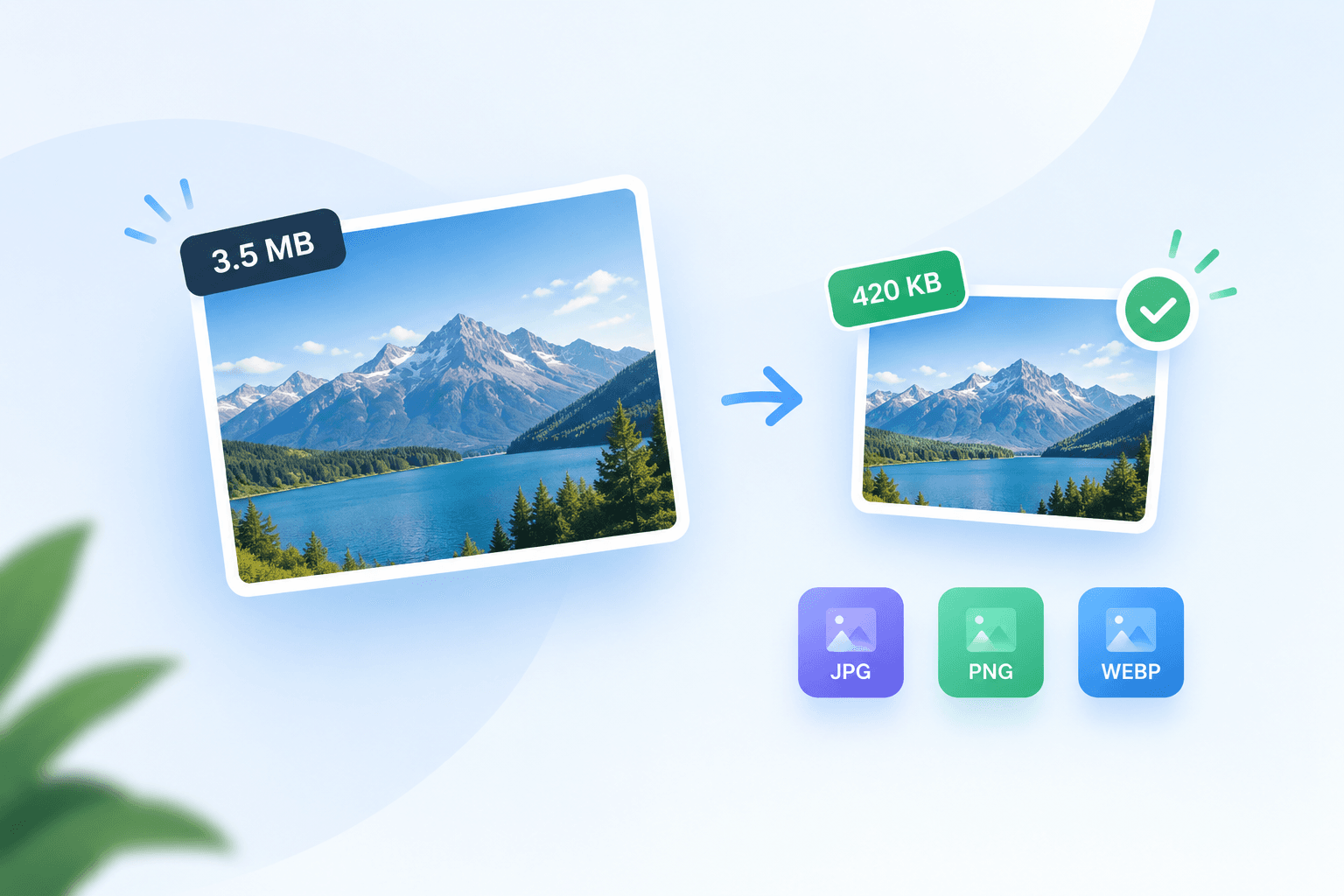
Related tools
Compress JPG
Shrink JPG and JPEG photos by up to 80% and keep them as JPG.
Compress PNG
Cut PNG file size by up to 80% and keep the transparency.
Reduce Image Size
Choose a custom KB or MB budget for JPG, PNG or WebP.
Compress Image for Email
Prepare lighter email attachments with an editable 1MB starting budget.
Compress Photo Online
Prepare a sharing copy with a 300KB target and a 1600px long edge.
Compress JPG to 100KB
Reduce a JPEG for a 100KB form or attachment limit.